Freebox Ultra: 3 10G solutions based on your installation
Whether you need to connect a remote router, feed a multi-station switch, or deploy an FTTH infrastructure, find below the solution and Elfcam products validated on Freebox Ultra.
Prerequisite — Connect the Freebox Ultra to the wall outlet
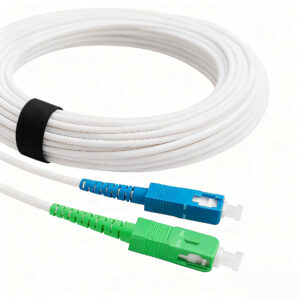
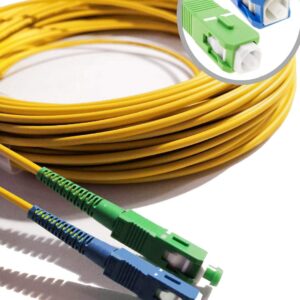
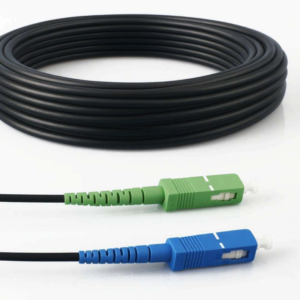
First of all, you need a fibre cable between the optical wall outlet (green SC/APC) and the Freebox Ultra (blue SC/UPC port). Choose according to your decor:

3 situations — Freebox Ultra SFP+ 10G port
All the situations below use a 10G AOC cable plugged into the Freebox Ultra SFP+ port as a starting point, then branch out depending on the need.


Connect a remote router via two converters
Home / OfficesIdeal for extending the 10G network between two rooms or two separate buildings. The two converters transform the SFP+ signal into RJ45 on each side of the AOC cable.

10G switch → PC, 4K camera or networked NAS
Multi-deviceThe 10G switch distributes bandwidth to multiple devices simultaneously. On the PC side: an SFP+ module + a network card achieve 10 Gbit/s.

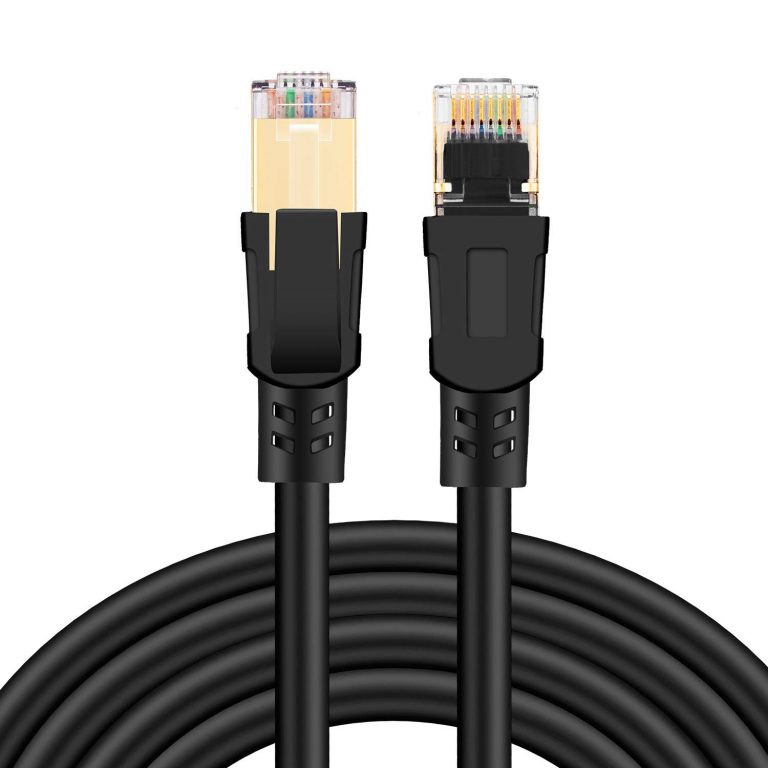


FTTH infrastructure — OLT → Fibre cable → ONU
Professional / ISPFor professional FTTH deployments. The OLT (Optical Line Terminal) connected to the Freebox Ultra serves multiple ONUs (Optical Network Unit) via fibre cable. Each ONU feeds a subscriber or zone.


Frequently asked questions — Freebox Ultra
1Which fibre cable should I choose to connect my Freebox Ultra to the wall outlet?
You need an SC/APC → SC/UPC patch cord. Choose according to your decor: White (ref. 345, discreet), Yellow (ref. 249, standard), Transparent (ref. 19785, invisible on a white wall) or Steel-armoured (ref. 1385, routing under a door). All offer the same OS2 single-mode optical quality.
2What is the difference between an AOC cable and an SFP+ module + Ethernet cable?
- AOC cable (ref. 8587): active optical fibre with SFP+ transceivers integrated at both ends. Direct SFP+↔SFP+ link, lightweight, up to 30–50 m. Ideal switch↔switch or Freebox↔converter.
- SFP+ RJ45 module (ref. 15580): transceiver inserted into an SFP+ port, converted to copper RJ45. Cat 6A/7/8 cable on the other side. More flexible if the destination equipment has no SFP+ port.
3Which 10G switch should I choose for the Freebox Ultra?
- 2 to 4 devices → ref. 15694 (2×SFP+ 4×2.5G RJ45), Plug & Play, silent
- 5 to 8 stations → ref. 16169 (2×SFP+ 8×2.5G RJ45)
- PoE cameras/WiFi APs → ref. 19259 (2×SFP+ 8×2.5G PoE)
- Single device → ref. 15772 (converter 1×SFP+ + 1×RJ45 10G)
4Can situation 1 (two converters) also be used to extend the network between two buildings?
Yes. That is the main use case. The AOC cable between the two converters can reach 30 to 100 m depending on the model. The RJ45 converters on each side allow any standard network equipment to be plugged in, whether a router, a switch or a NAS, without requiring an SFP+ port on the destination device.
5Is situation 3 (OLT/ONU) reserved for professionals?
Yes, it is a professional FTTH deployment. The OLT serves multiple subscribers via a PON (Passive Optical Network). It is used by local ISPs, real estate developers or campus managers. For home use, situations 1 or 2 are sufficient.
6Are Elfcam SFP+ modules guaranteed compatible with the Freebox Ultra?
Yes. The Freebox Ultra is not locked to a single brand. Our modules are physically tested on Freebox Ultra and Freebox Delta before being released for sale. Free technical support in case of any issue.
7Can I extend my existing fibre cable if the distance is too short?
Yes, without splicing. Use our SC/APC→SC/APC extension with coupler (ref. 31194): connect the coupler between your existing cable and the extension. Compatible with Orange, SFR, Bouygues and Freebox.
8What are the delivery times?
All products are in stock in France. Orders placed before 12 noon are shipped the same day. Colissimo/Chronopost: 24–48h in France. Pickup point: 2–3 days. Overseas territories/Europe: 5–10 business days.

















